

Faster. Smoother. Native.
The biggest step yet toward FLY(er) feeling like it was born on iPhone. Every tap answers at once.
Hold it. It’s all there.
Hold a flight and it stays right where it is. A firm tap, and your actions rise from the bottom, the way every iPhone app does it.
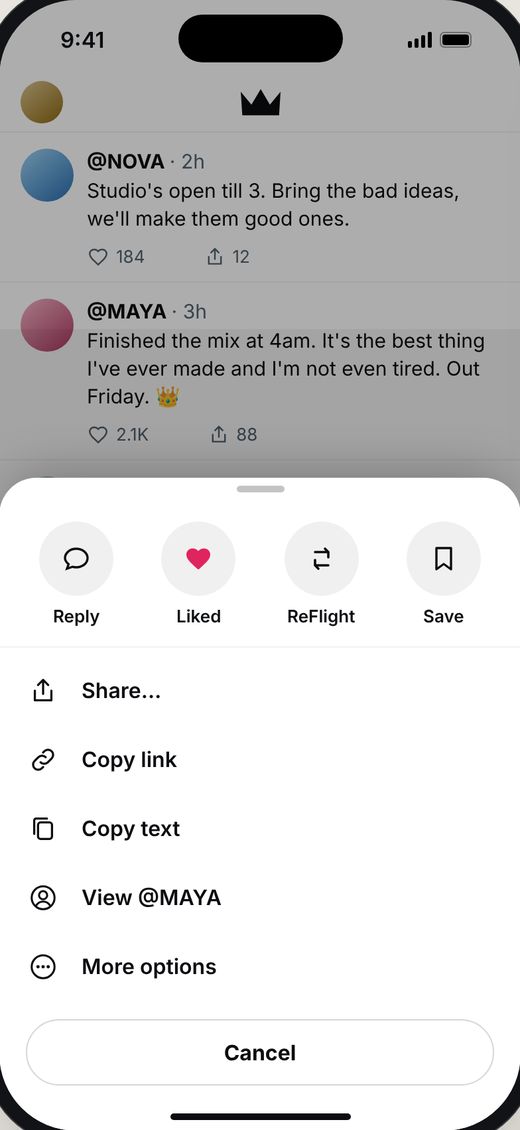
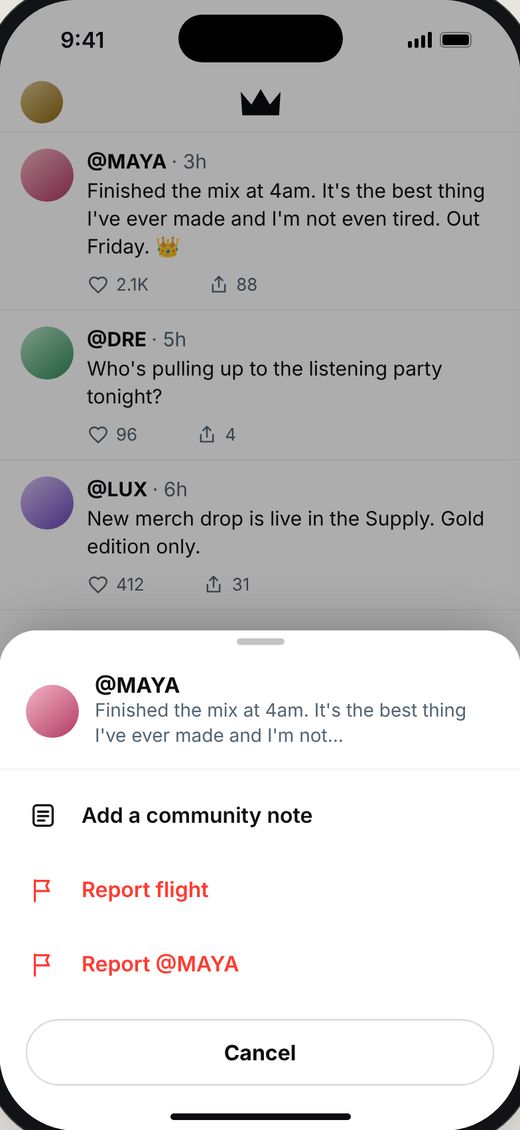
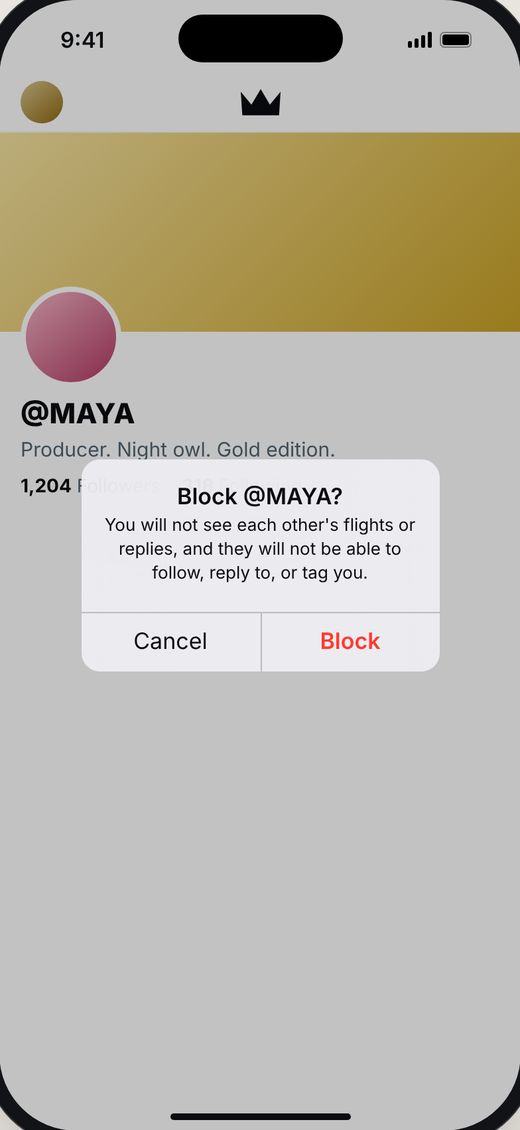
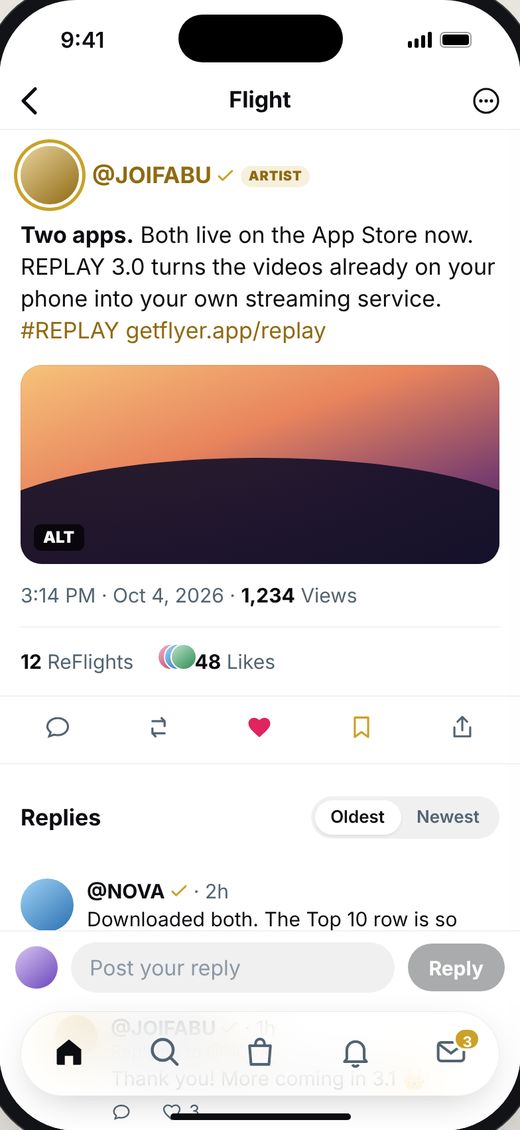
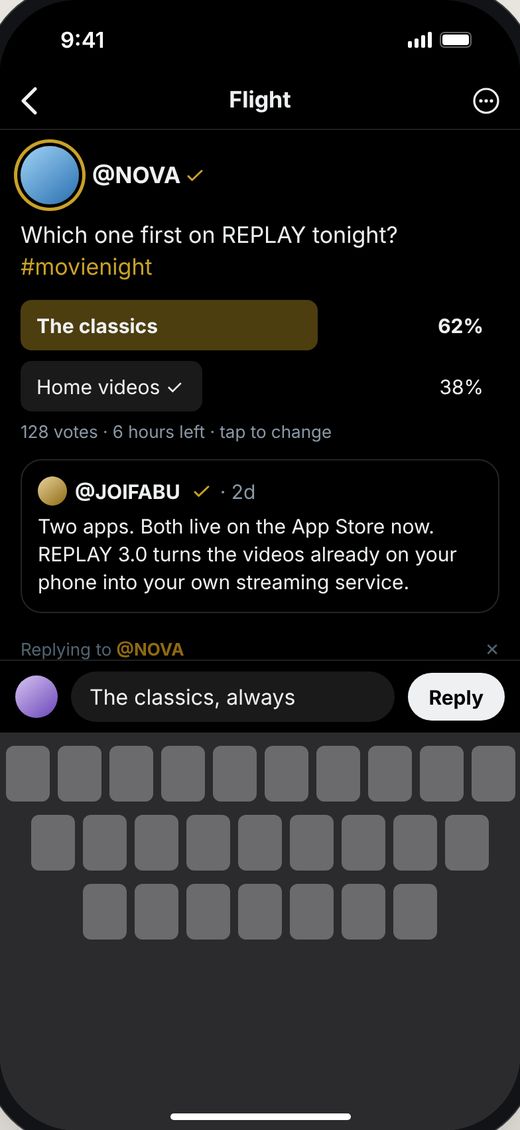
Tap a flight. It’s there.
The words, the photo, the poll, the likes and every reply, the instant your finger lands, with the reply bar ready.
- Swipe from the left edge to go back, the feed exactly where you left it
- Replies threaded two deep, Oldest or Newest
- The reply bar rises with the keyboard
- Long flights end on a whole line, with Read more
Your space, your rules.
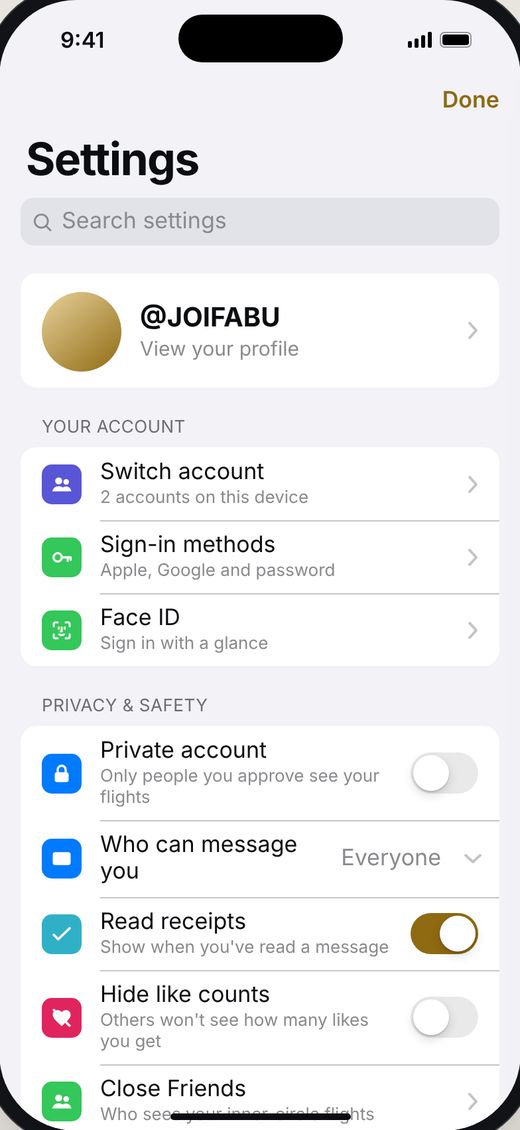
A real iPhone Settings screen with search, clear groups and real switches. It opens instantly, every time.
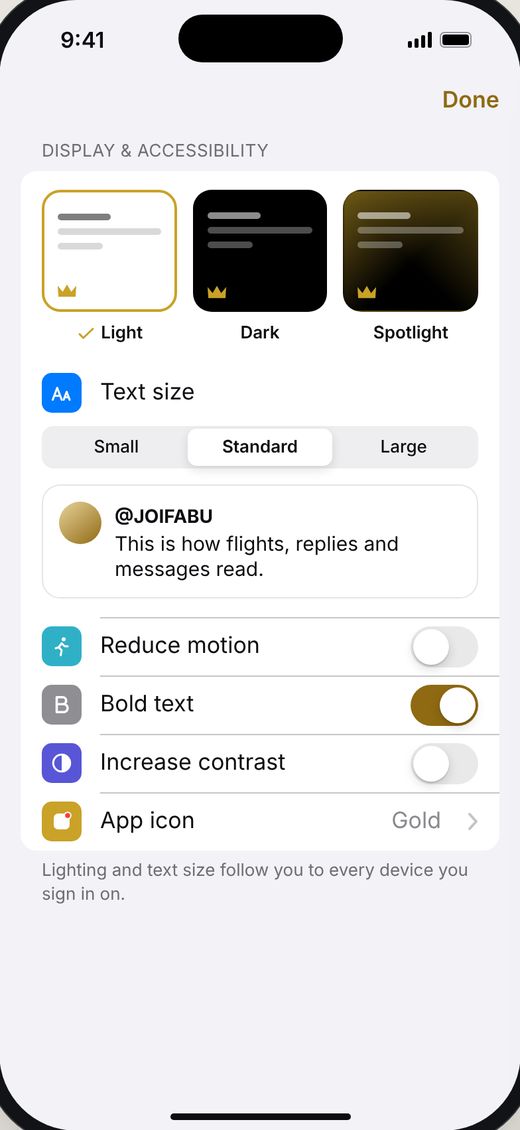
- Light, Dark or Spotlight, with a live preview
- Text size, Bold text, Reduce motion and more
- Private account, follow requests and who can message you
- Choose your app icon
Never miss a move.
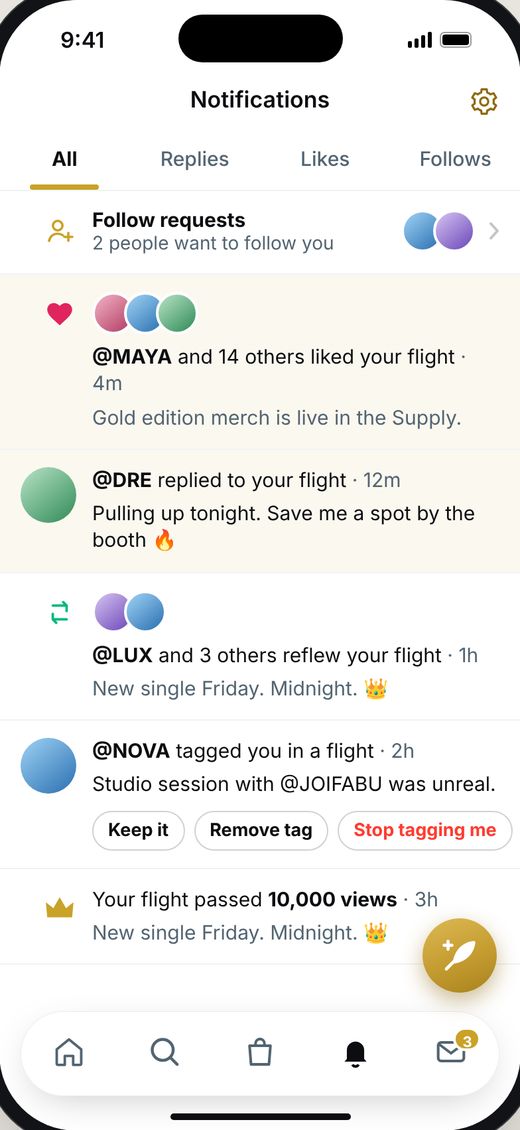
All, Replies, Likes and Follows, with faces, follow requests and tag actions right in the list. Open one, go back, and you’re right where you were.
- Search and Messages are real tabs now, kept just as you left them
- Tap the tab you’re on to jump back to the top
FLY(er) on iPad.
A true iPad app, Apple, Google and email sign-in, Highlights, alt text, Handoff and countdowns on your Lock Screen.
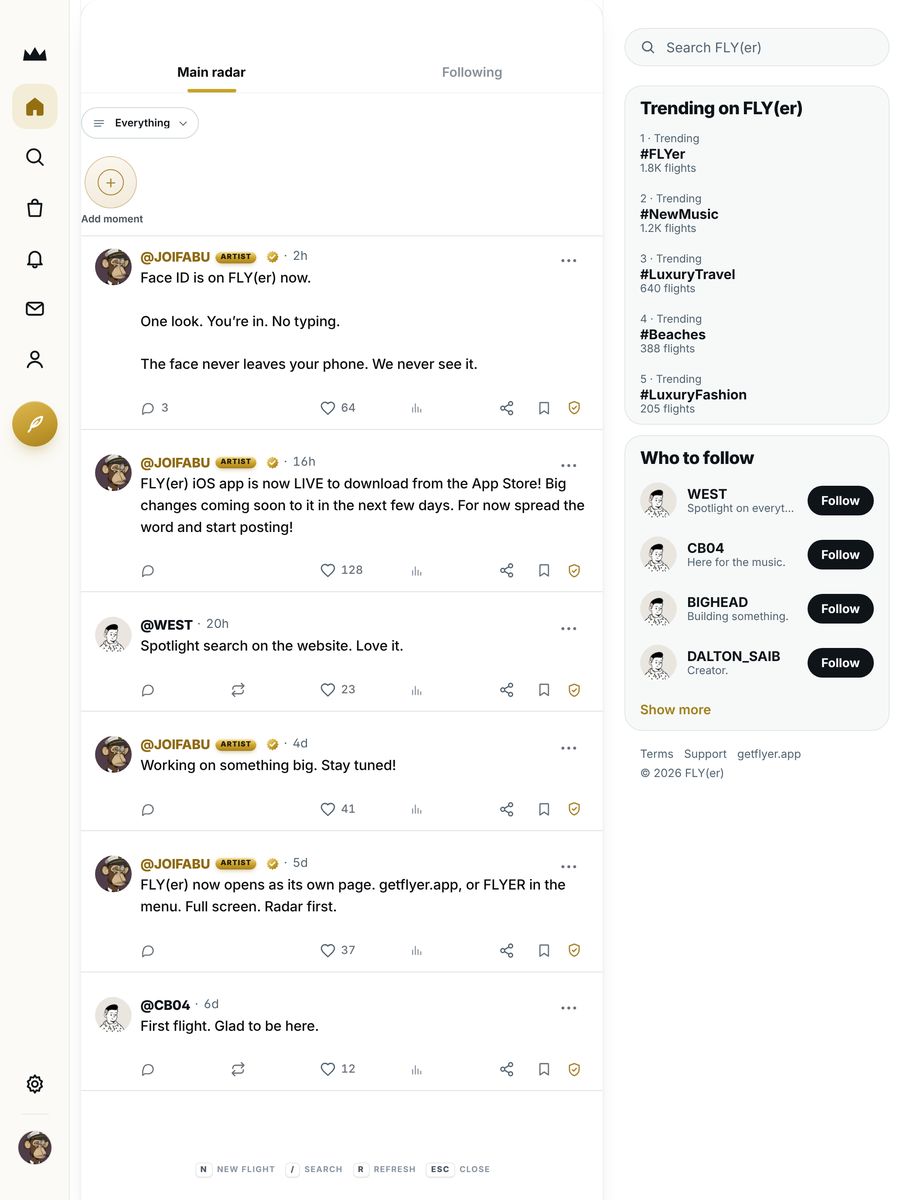
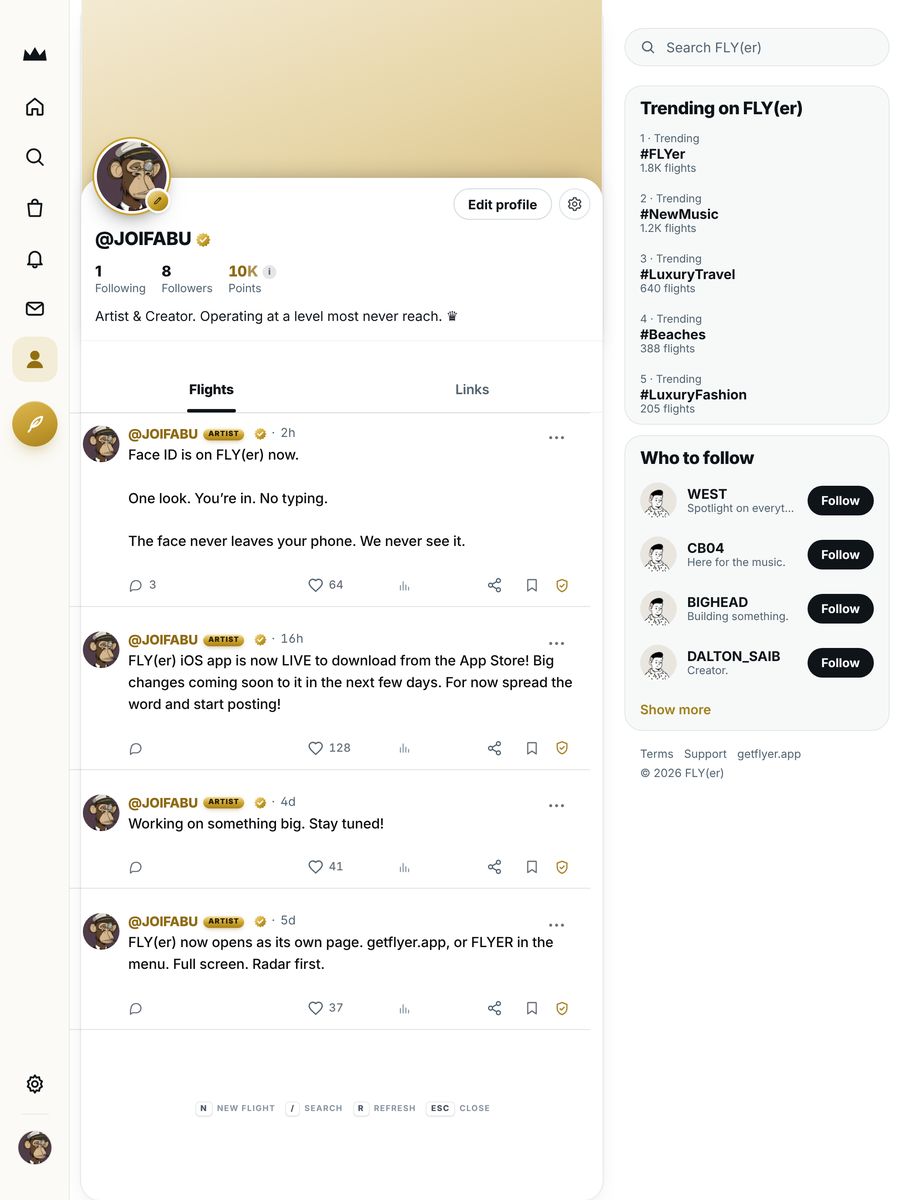
As if it started on iPad.
Designed for iPad from the ground up, not stretched to fit. Your timeline in a reading column, what’s trending beside it, and the whole network a tap away.
- A true sidebar that never takes you off the page you’re on
- Search and Messages open right where you are, Messages in two panes
- A second column for what’s trending and who to follow
- Keyboard shortcuts and trackpad support
Always getting better.
Press and hold, native flight pages, native Settings and Notifications, Search and Messages as tabs.
FLY(er) on iPad, Apple, Google and email sign-in, countdowns on your Lock Screen, Highlights, alt text and Handoff.
A native engine, a new composer, Articles and the Messages upgrade.
FLY(er) Supply, Face ID, widgets, Share to FLY(er) and a fresh new look.
FLY(er) arrives on the App Store.
Works great with.


Make it. Drop it.
Master the single and cut the video in GEEKED OUT, then drop it on FLY(er) with a smart link.
Meet GEEKED OUT
Tell everyone what’s on.
Post your movie night on FLY(er) and link people straight to REPLAY.
Meet REPLAY

Imagine it. Then animate it.
Create a scene in IMAGINE IT, then bring its sea and sky to life in ANIMATE IT.
Meet IMAGINE IT